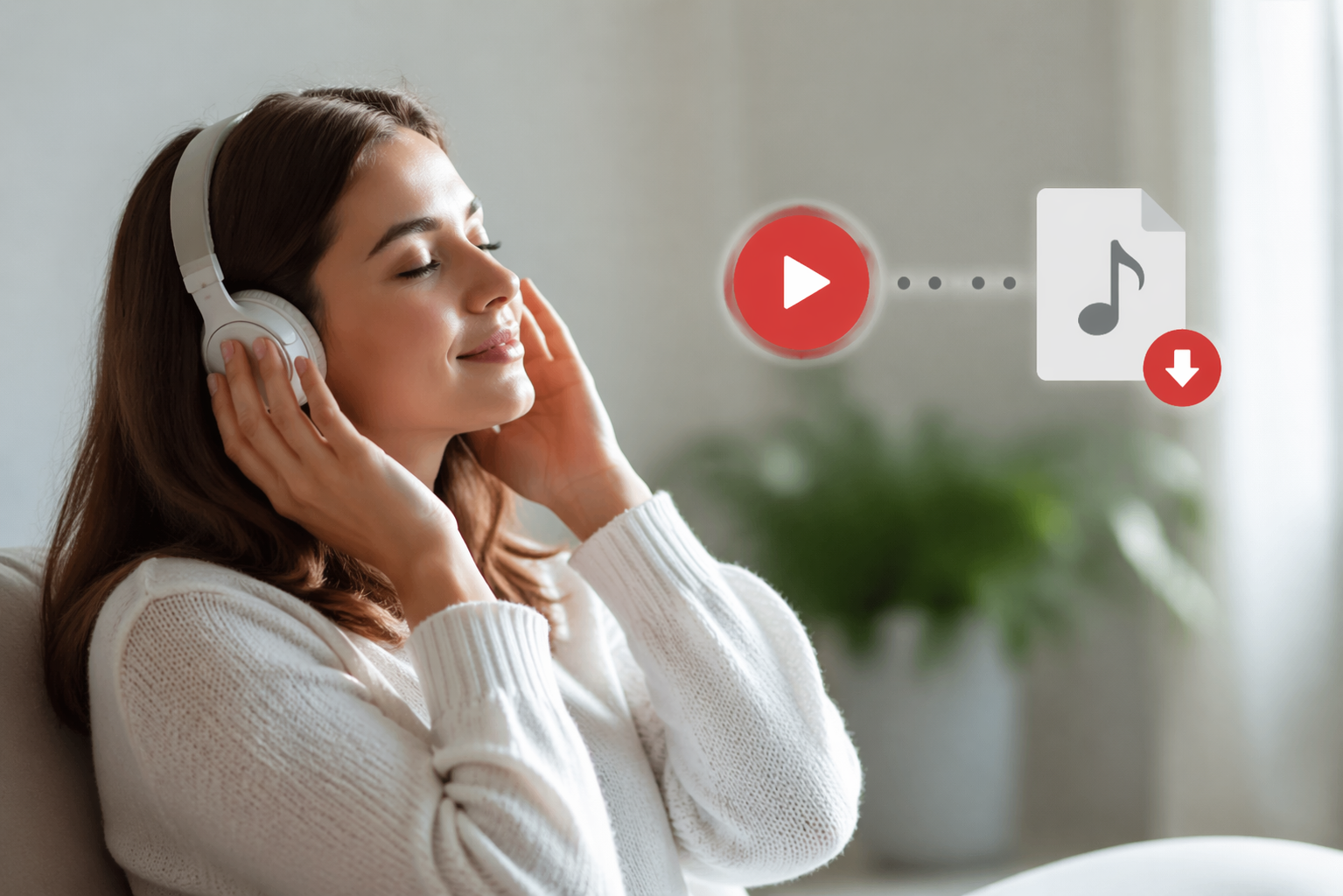


If you have ever searched for YouTube Convert to MP3, chances are you were not trying to do anything complicated. You probably just wanted a simple way to listen to a song, interview, lecture, podcast, or long-form video without keeping your screen on or your data running. That is a very normal need. People want portable audio, better battery life, and easier offline listening when they are commuting, working out, studying, or traveling.
- Why People Want YouTube Audio Offline
- What “YouTube Convert to MP3” Usually Means
- The Safest Way to Listen Offline: Official YouTube Options
- Why Random Converter Sites Can Be a Bad Bet
- Legal Reality: Convenience Is Not the Same as Permission
- Best Ways to Save Audio for Offline Listening
- Comparing Offline Listening Options
- What Good Offline Audio Actually Looks Like
- Real-World Example: Commuter vs Casual Listener
- How to Stay Safe When Searching for Audio Tools
- Common Questions Readers Have
- Final Thoughts on YouTube Convert to MP3
The problem is that this topic sits in a gray area for many users. Some websites promise instant conversion, but they also come with legal concerns, poor audio quality, intrusive ads, malware risks, and privacy issues. At the same time, YouTube itself offers official offline features through its paid services, and those options are far safer for most people. YouTube’s current Terms of Service say you may access content for personal, non-commercial use as permitted by the service, and that downloading is allowed only when a download button or link is clearly provided by YouTube.
So the real question is not just how YouTube Convert to MP3 works. The better question is this: what is the smartest, safest, and most practical way to save audio for offline listening without putting your device, account, or privacy at risk?
This article breaks that down in a clear, real-world way so you can make a better decision.
Why People Want YouTube Audio Offline
There are plenty of legitimate reasons people try to save audio from YouTube content.
Some people want to listen to music while driving without streaming video. Others want an interview, lecture, language lesson, or meditation track available when they have no internet connection. Offline listening also helps cut mobile data use and can make battery life last longer because audio playback is lighter than continuous video playback.
This interest makes sense in a streaming-first world. The recorded music market continues to be dominated by streaming, and the RIAA reported that US recorded music revenue hit $11.5 billion in 2025, with streaming accounting for 82% of total revenue and paid streaming growing to 106.5 million accounts.
That context matters because it shows why so many people want easy audio access. But it also explains why rights management, licensing, and platform rules matter so much.
What “YouTube Convert to MP3” Usually Means
When people use the phrase YouTube Convert to MP3, they are usually referring to one of three things:
- Saving music or spoken-word content from YouTube in an audio-only format
- Turning a video they are allowed to use into a portable MP3 file
- Looking for a quick offline listening solution on mobile or desktop
Technically, MP3 is simply a compressed audio format that works almost everywhere. It is popular because the files are small, compatible with most devices, and easy to organize for offline playback. That is why MP3 remains one of the most recognized audio formats for everyday listening.
Still, convenience does not remove the need to think about permissions, quality, and security.
The Safest Way to Listen Offline: Official YouTube Options
For most readers, the best option is not a random converter website. It is using YouTube’s own offline features where available.
YouTube Music and YouTube Premium support offline downloads in supported regions and account types. Google’s own help materials and official YouTube guidance explain that offline listening is available through these services, especially within the YouTube Music app.
Here is why official options are usually the smartest choice:
- They follow platform rules
- They reduce malware and scam exposure
- They keep audio quality more consistent
- They work inside an ecosystem designed for licensing and rights management
- They avoid the annoyance of fake download buttons and pop-ups
The tradeoff is simple. You usually do not get a standalone MP3 file sitting in your downloads folder. Instead, the content is stored for offline playback within the app environment. For many users, though, that is enough. The goal is listening offline, not necessarily owning a loose audio file.
Why Random Converter Sites Can Be a Bad Bet
This is where many users get burned.
A typical converter site looks simple on the surface. You paste a link, click a button, and expect an MP3 file in seconds. But many of these websites are wrapped in misleading ads, redirect loops, fake install prompts, browser notification traps, and suspicious download buttons.
The FTC warns that malware can be installed without your knowledge and may steal personal information, banking details, usernames, or passwords. The agency also notes that cybercriminals use appealing downloads and convincing pages to lure people into unsafe actions.
That means a “free audio converter” can end up costing far more than a subscription ever would.
Common risks include:
- Malware or spyware hidden behind fake download buttons
- Phishing pages asking for unnecessary permissions
- Poor quality files that sound muffled or distorted
- Broken metadata, wrong track names, or incomplete downloads
- Browser notifications that keep pushing scam content
- Copyright complaints or account issues if the service is used improperly
This is one reason the best YouTube Convert to MP3 decision is often the one that avoids unknown sites entirely.
Legal Reality: Convenience Is Not the Same as Permission
A lot of people treat conversion as a purely technical issue, but it is also a legal and policy issue.
YouTube’s Terms of Service are clear that downloading is allowed only when YouTube itself shows a download button or link for that content. That does not mean every form of offline access is forbidden. It means users should rely on authorized methods and respect the rights attached to the content.
This matters even more with music. The RIAA and US government piracy discussions continue to emphasize that unauthorized distribution and access remain major industry concerns.
In plain English, this means:
- Listening offline is a valid user need
- Not every method of getting offline audio is authorized
- Official platform tools are usually the lowest-risk path
- Public-domain, licensed, or self-owned content is a separate case and should still be handled carefully
If you are working with your own uploads, royalty-free tracks, Creative Commons material, or content whose creator clearly permits downloads, your situation may be different. But for mainstream music videos and copyrighted commercial content, caution is the right mindset.
Best Ways to Save Audio for Offline Listening
When readers search YouTube Convert to MP3, what they usually want is a practical answer. Here it is.
1. Use YouTube Music or YouTube Premium for Offline Playback
This is the cleanest mainstream solution.
If the content you want is available through YouTube’s official ecosystem, offline playback through YouTube Music or YouTube Premium is usually the best choice. It is easy, legal within the service rules, and far safer than visiting conversion sites. Official help and YouTube resources continue to point users toward this route for offline listening.
Best for:
- Music listeners
- Podcast-style listening
- Everyday mobile offline use
- Users who care about account safety and convenience
2. Use Licensed Music Services That Offer Offline Audio
Sometimes the smarter answer is not YouTube at all.
If your main goal is offline music, services built specifically for music listening often offer stronger organization, better metadata, and cleaner offline management. That can be a better experience than trying to turn video content into audio files.
Best for:
- Music-heavy listening habits
- Long-term playlist building
- Users who want fewer technical issues
3. Save Audio Only From Content You Own or Have Permission to Use
If you created the video, own the rights, or have direct permission from the creator, saving audio separately can make sense for editing, archiving, or playback. This is especially common for educators, podcasters, marketers, and creators who repurpose their own media across platforms.
Best for:
- Creators and editors
- Self-hosted content archives
- Internal workflow use
- Educational or licensed material with clear permission
4. Download Content Where the Platform Explicitly Allows It
Some creators or services provide direct download links outside the usual streaming flow. If a creator offers an MP3 on their site, newsletter, course portal, or membership page, that is a much cleaner path than using a third-party converter.
Best for:
- Independent artists
- Course buyers
- Membership communities
- Sponsored or licensed content
Comparing Offline Listening Options
| Option | Safety | Convenience | File Ownership | Legal Clarity | Best For |
|---|---|---|---|---|---|
| YouTube Music or Premium | High | High | Low | High | Everyday offline listening |
| Licensed music streaming apps | High | High | Low | High | Music-first listeners |
| Creator-provided downloads | High | Medium | High | High | Fans, students, paid members |
| Self-owned or licensed media workflows | High | Medium | High | High | Creators and businesses |
| Unknown converter sites | Low | Medium | Medium | Low | Not recommended |
This table makes the tradeoff easy to see. The closer you stay to official or authorized sources, the better your overall outcome tends to be.
What Good Offline Audio Actually Looks Like
Not all saved audio is equally useful.
A good offline listening setup should give you:
- Clear, stable sound
- Reliable playback without missing sections
- Reasonable file size or storage efficiency
- Accurate track names and organization
- No security warnings or hidden installers
People often chase a “free” solution and end up with terrible-quality audio that is full of compression artifacts. That defeats the point. If you are listening to music, lectures, or spoken content daily, quality matters. So does trust.
Real-World Example: Commuter vs Casual Listener
Imagine two users.
The first person listens to playlists during a daily train ride. They just want music offline, consistent quality, and no hassle. For that person, YouTube Music or another licensed streaming app with offline support is the practical answer.
The second person is a creator who uploads long educational videos and wants audio copies for internal review or private archive use. That person should work with their own source files or authorized creator tools, not a random conversion site.
Both users are trying to solve an offline listening problem. But the right solution depends on rights, purpose, and risk tolerance.
How to Stay Safe When Searching for Audio Tools
Even if you are only researching YouTube Convert to MP3, you should protect yourself while browsing.
A few habits make a big difference:
- Avoid websites with multiple fake “Download” buttons
- Do not install unknown browser extensions just to grab audio
- Never enter your Google password on a third-party converter page
- Ignore urgent prompts that say your codec, browser, or player is outdated unless they come from a trusted official source
- Keep your browser and device security tools updated
- Leave immediately if a page starts redirecting you to unrelated offers
The FTC’s consumer guidance on malware and phishing is still highly relevant here because scam operators often use exactly these pressure tactics.
Common Questions Readers Have
Is converting YouTube videos to MP3 always legal?
No. It depends on the content, your rights to use it, and whether the method follows platform rules. YouTube’s Terms of Service limit downloading to cases where YouTube itself provides that functionality.
Is offline listening the same as owning the audio file?
Not always. Official app-based downloads usually allow offline playback inside the app, but they do not necessarily give you a standalone MP3 file.
Why do so many converter sites feel sketchy?
Because some of them are built around aggressive ads, misleading buttons, and risky download flows. Consumer protection agencies continue to warn users about malware and phishing tied to deceptive software and download offers.
What is the best option for ordinary users?
For most people, official offline playback through YouTube Music or YouTube Premium is the safest and simplest option.
Final Thoughts on YouTube Convert to MP3
The phrase YouTube Convert to MP3 sounds simple, but the real choice is bigger than a file format. It is about balancing convenience, legality, audio quality, privacy, and device safety.
If your main goal is just to enjoy content offline, official solutions are usually the best path. They are easier, safer, and much more reliable than chasing unknown converter sites that may expose you to scams or malware. If you are working with content you personally own or have permission to use, keep your workflow clean and rights-aware. And if you are only trying to make your listening more flexible, remember that offline playback inside official apps may solve the problem without creating new ones.
Near the end of the day, the smartest offline listening habit is not the one that looks fastest. It is the one that protects your time, your device, and your access to the content you enjoy. For readers who want a simple background on digital audio, the phrase audio compression is a useful place to start.